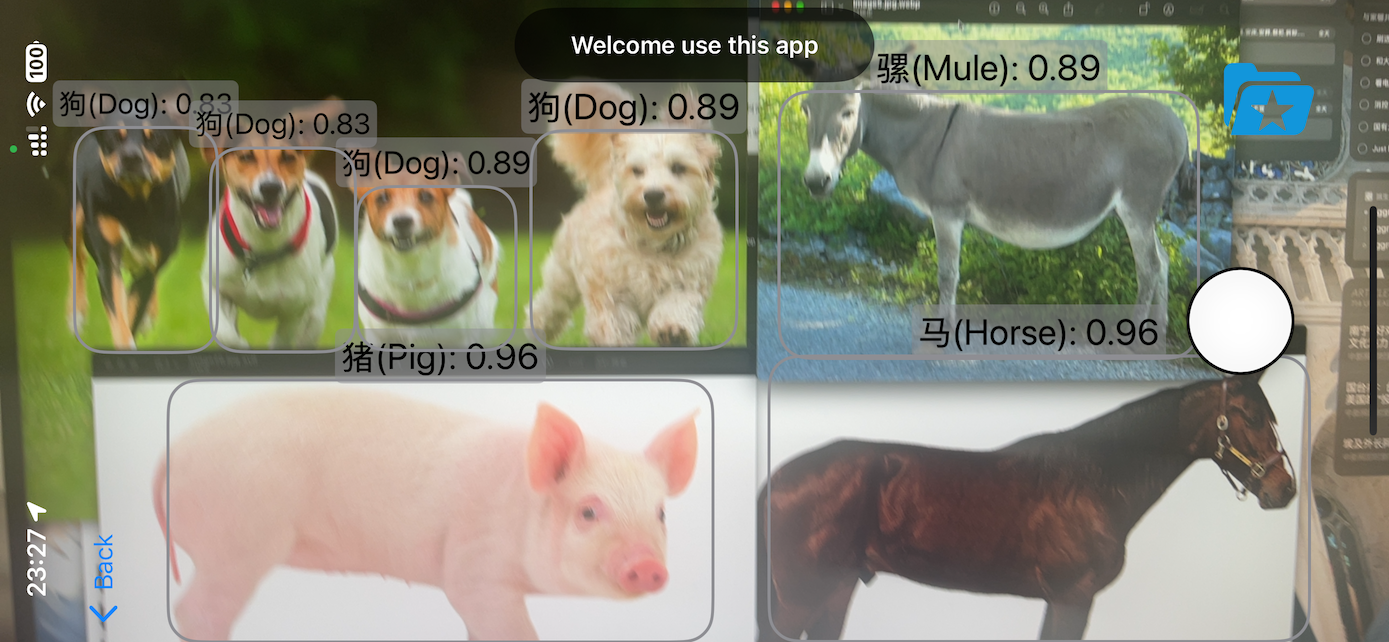
DESIGN DECISION
Offline recognition + online knowledge
Camera frames and library photos share one CoreML inference path. Results appear immediately while local history and asynchronous requests add context.
SwiftSwiftUIYOLO11mCoreMLVision
Independently developed a native iOS app based on SwiftUI, implementing the full pipeline of the YOLOv11 model on mobile devices. Completed dataset annotation and training autonomously, deployed the model to the device's NPU via CoreML for low-latency real-time inference, and integrated asynchronous concurrent requests to the Baidu Encyclopedia API for instant interaction with recognition results, achieving an offline + online closed-loop experience of "recognition as encyclopedia."

Offline recognition, online encyclopedia, creating a new intelligent animal identification experience.
ON-DEVICE AI PIPELINE
Recognition stays on the device; the network only enriches results with encyclopedia content.
DESIGN DECISION
Camera frames and library photos share one CoreML inference path. Results appear immediately while local history and asynchronous requests add context.
CAPABILITIES
My graduation project is “Development of an AI-Powered Mobile Application for Animal Identification and Information”. The goal is to develop a mobile app that can identify animals. After discussing with my advisor, I decided to use Yolo as the deep learning recognition model. The mobile app is developed natively for iOS, using Swift and SwiftUI in XCode. I have always been interested in iOS development, so I took this opportunity to learn native iOS development thoroughly.

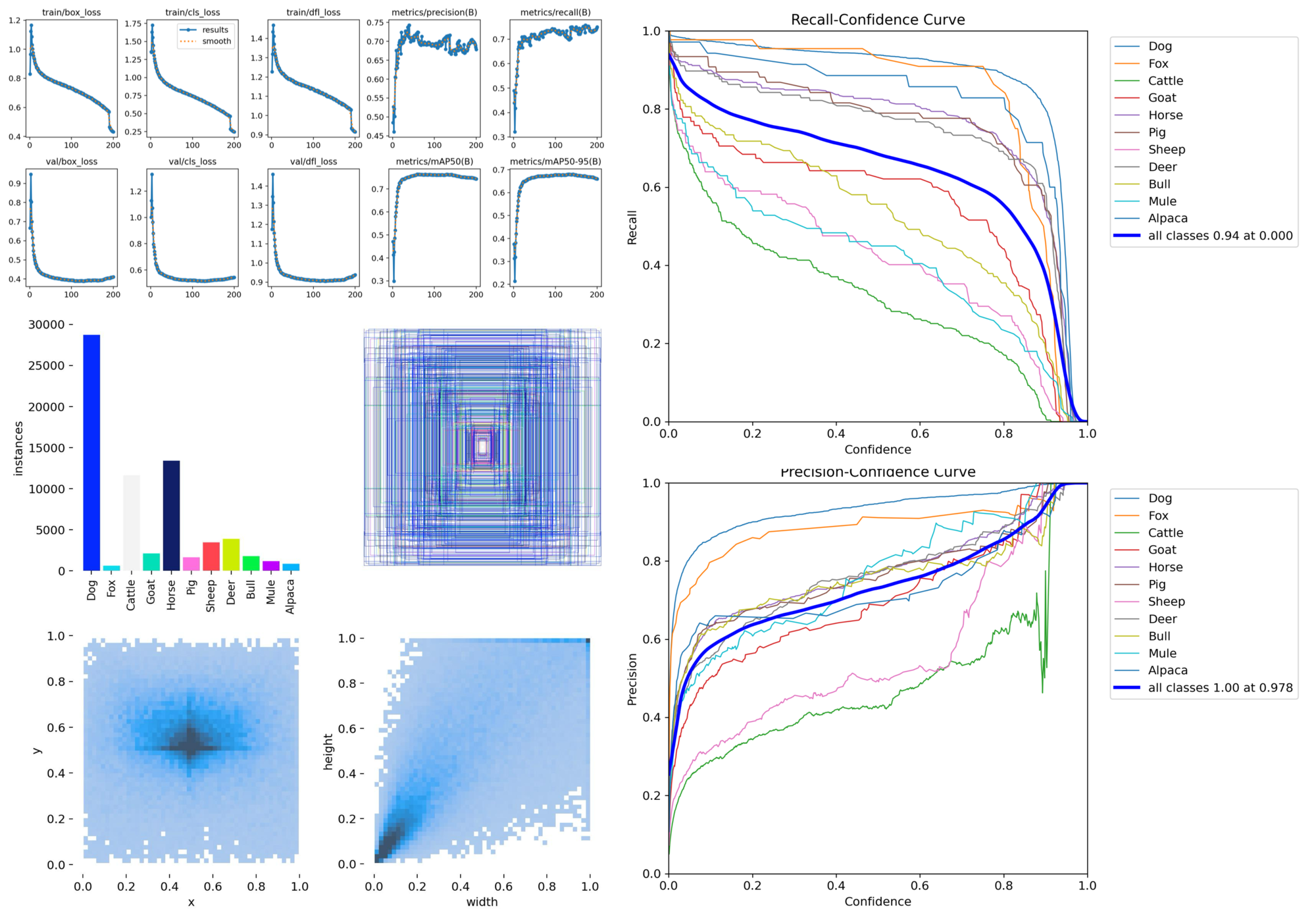
The dataset is Open Images V7 Animals YOLO, which contains 11 animal classes with 50,000 images.
I chose this dataset because it has YOLO format labels, but after completing the training, I found that the dataset is not very good. It is very imbalanced, as shown in the figure below, with nearly 27,000 images of “dogs”, but others average only 2,000 images. However, I still tried to train the model to see the results.
I used YOLO11m to train the model, which is the latest version of YOLO. I trained it with default parameters, setting epochs to 200, and I did not verify overfitting issues.
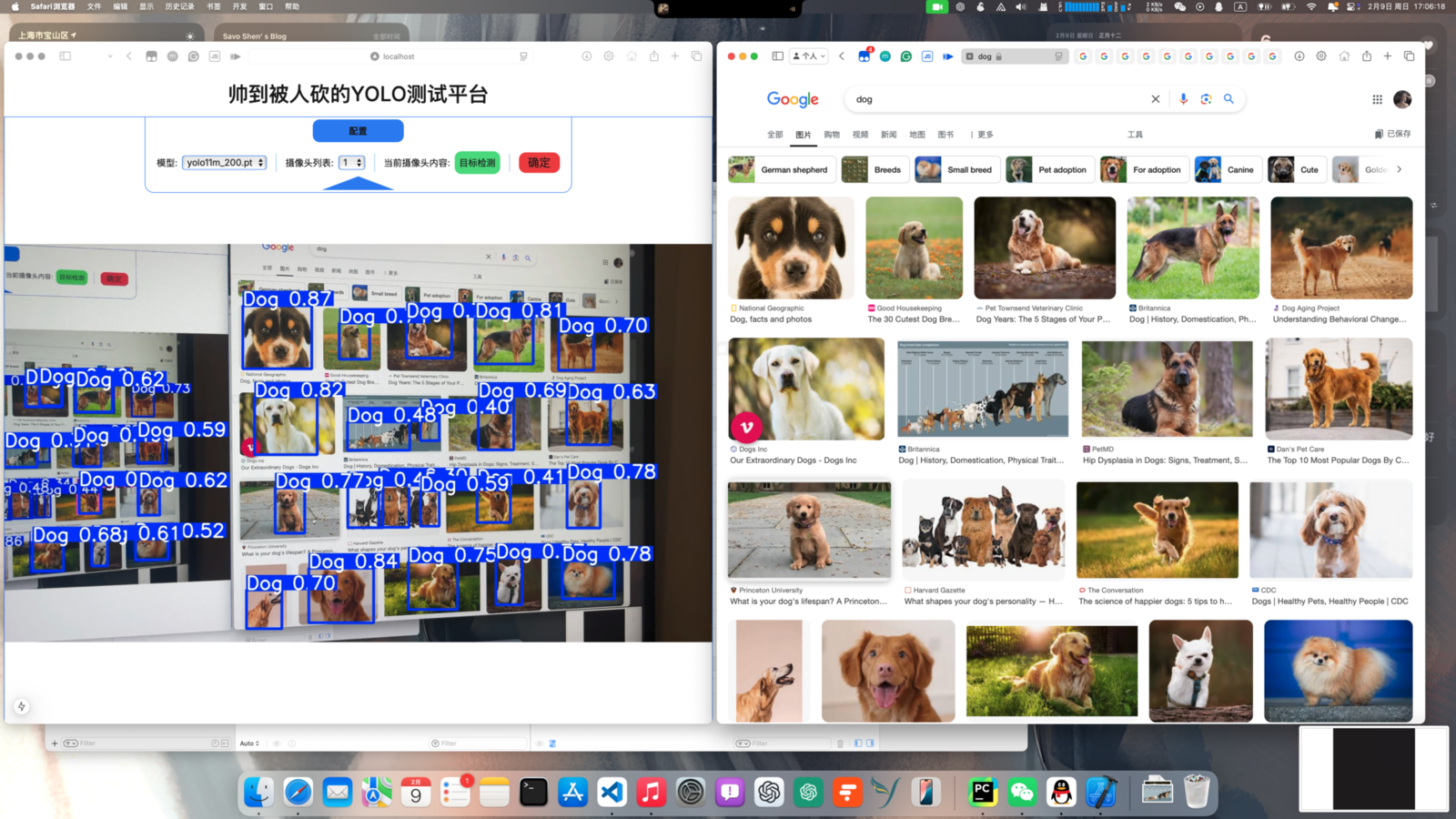
The system shows the image below, where the model is embedded in my small system, automatically inferring images from the system camera.
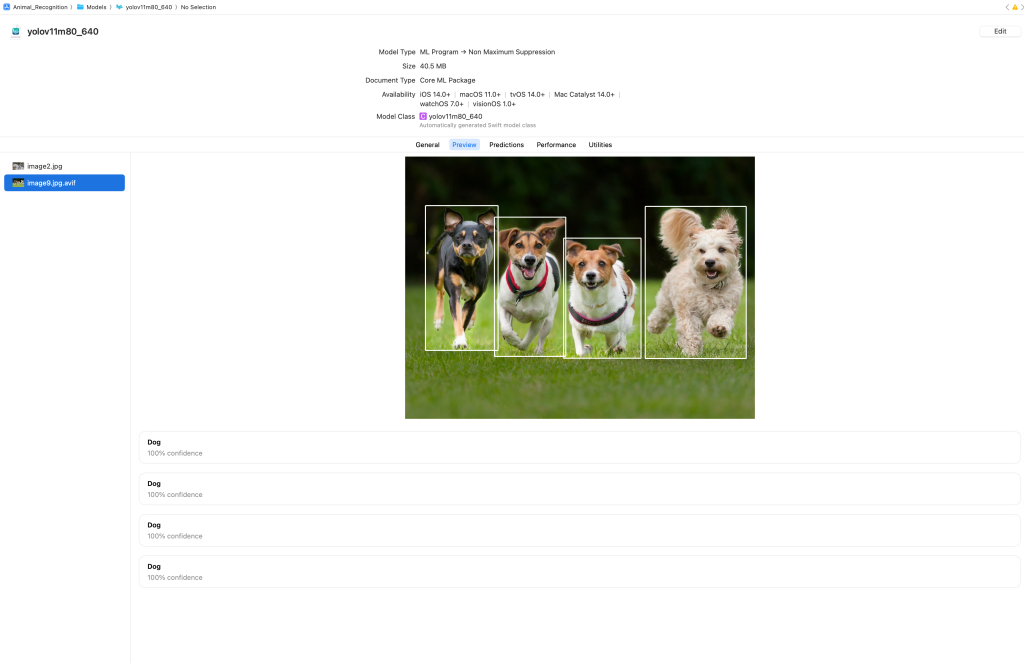
Because I wanted to deploy the model on iOS, I needed to export the model to CoreML format. I followed the command in the official tutorial to export the model:
from ultralytics import YOLO

# Load the YOLO11 model
model = YOLO("yolov11m.pt")

# Export the model to CoreML format
model.export(format="coreml", nms=True)  # creates 'yolo11n.mlpackage'
After successful export, a file named yolo11m.mlpackage was generated. Next, I could embed it into my iOS project. In XCode, I could preview the mlpackage, and the result is as follows:
The main functions of the app include real-time animal recognition, photo recognition, and encyclopedia information query.
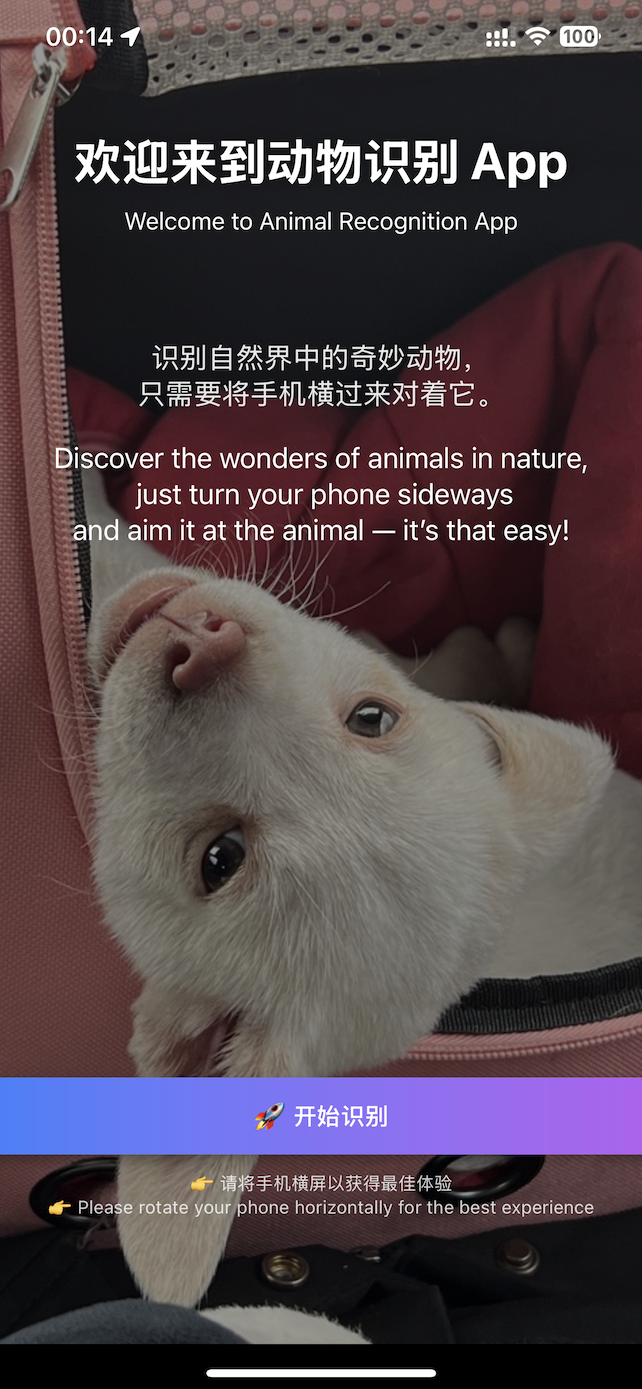 Home Screen
 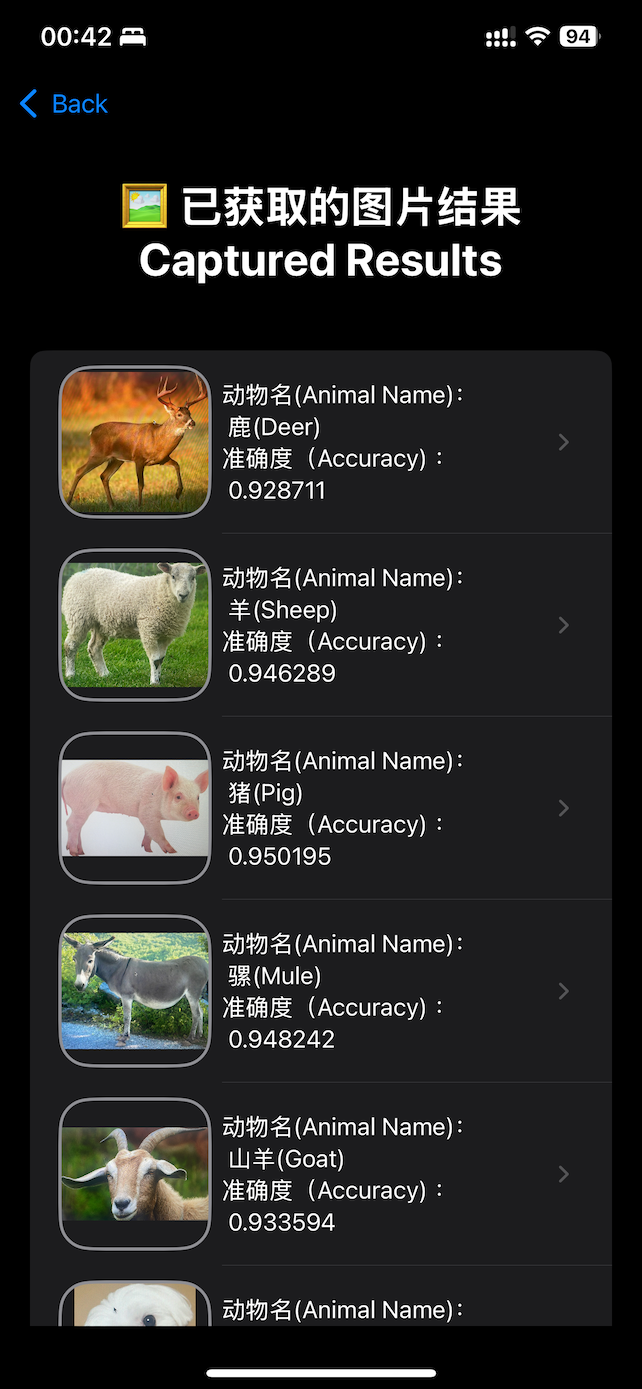 Recognition History List
 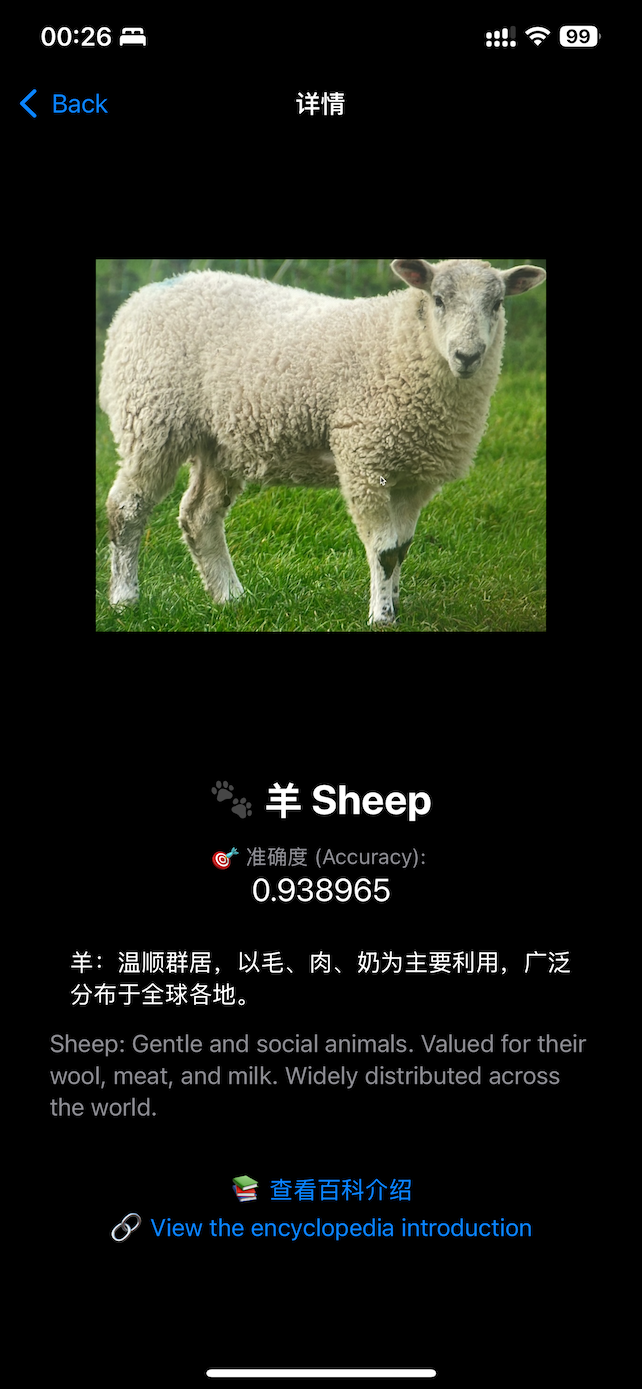 Recognition Result