DESIGN DECISION
One content model, two interactions
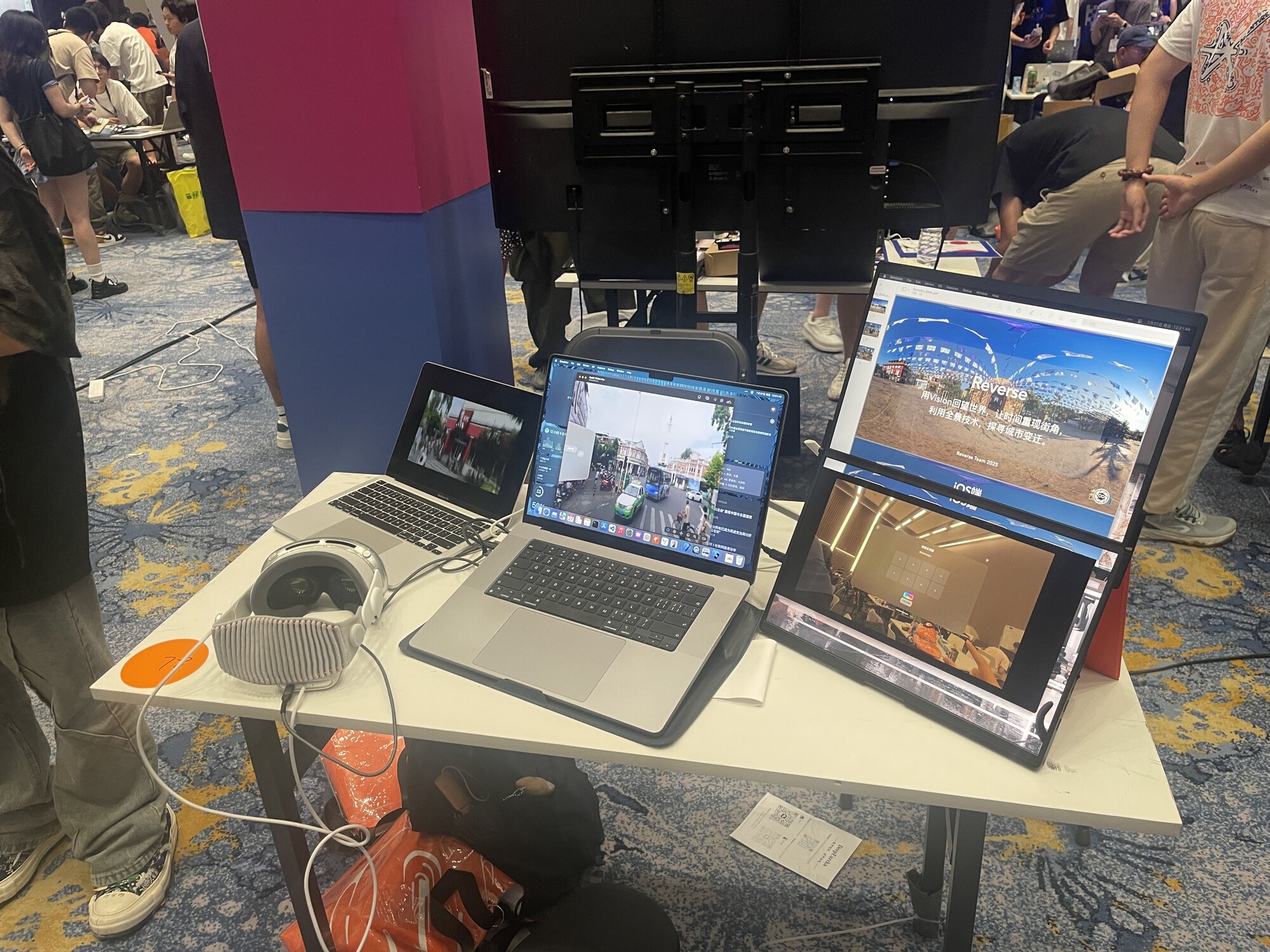
iOS uses touch and point-to-point jumps, while Vision Pro uses head pose to explore the same panorama. Both share one data and generation flow.
SwiftSwiftUIVision ProPanoramaAI
This project aims to generate 360-degree panoramic images using 8 interlaced pictures, and display them through the iOS and Vision Pro versions of the software. By leveraging Baidu Street View image data, the project allows users to specify street locations and generate panoramic images for various years. It also supports an "time rewind" effect by combining panoramic images from different years using AI, providing an immersive experience of the changes in the current location over the years.
Using Vision to look back at the world, letting time recreate street corners, exploring urban changes through panoramic technology.
SPATIAL MEMORY PIPELINE
Eight overlapping images become a 360° panorama; multi-year imagery and AI connect the city’s past and present.
DESIGN DECISION
iOS uses touch and point-to-point jumps, while Vision Pro uses head pose to explore the same panorama. Both share one data and generation flow.
CAPABILITIES
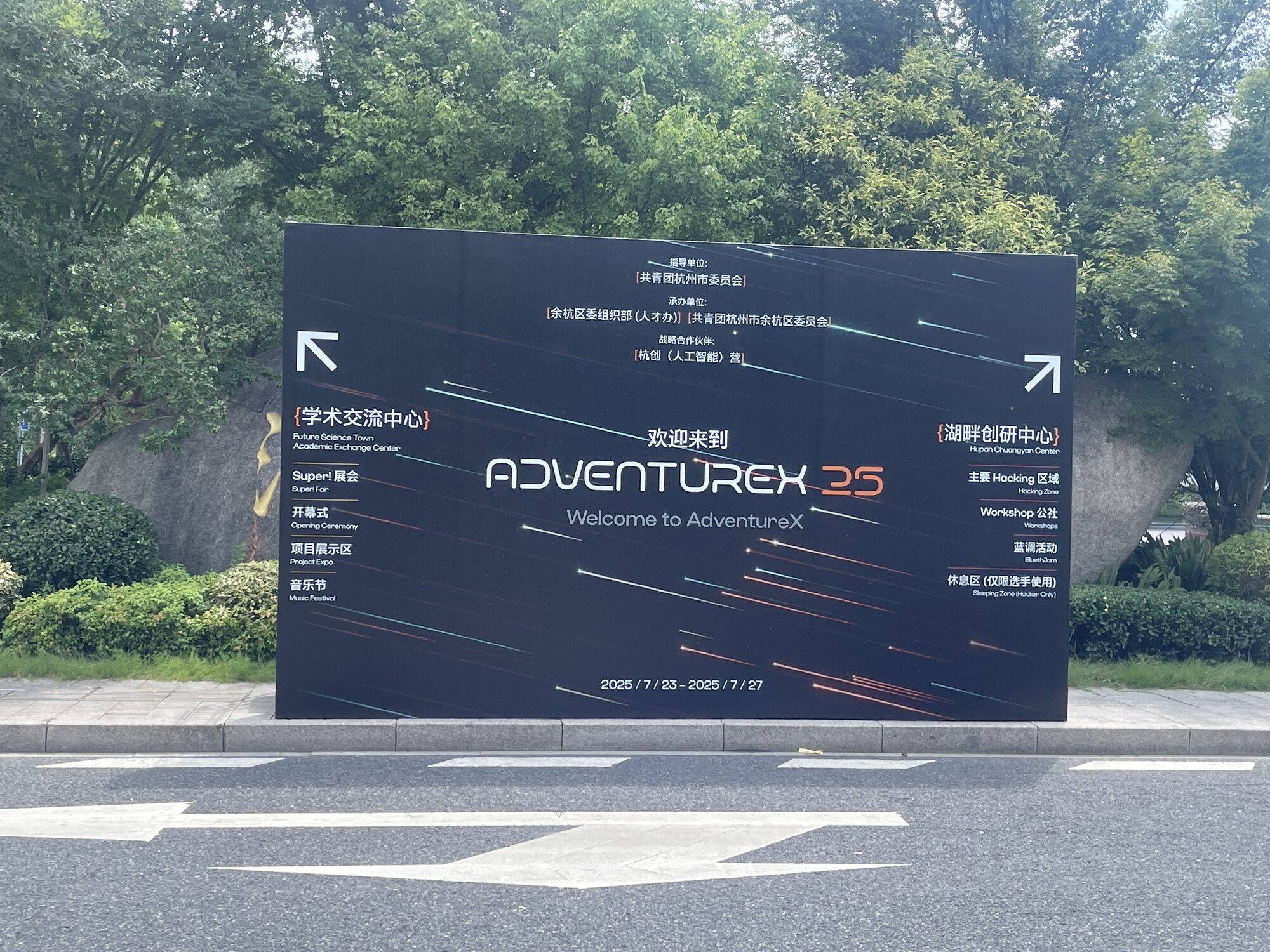
AdventureX Hackathon, developing an innovative project within 5 days according to the track requirements, challenging our limits. The organizers provided various hardware devices including Vision Pro, robots, 3D printers, etc. We chose Vision Pro as our development platform without hesitation. Finally, we successfully developed an AI-generated panoramic image application combining iOS and Vision Pro versions, and won the track championship.
There are three main features (the Vision Pro and iOS versions have the same features, here we show the iOS version). The first is built-in panoramic image browsing, where users can view all angles of the panoramic image through touch or head movement; the second is point-to-point jumping, where users can select different locations in the panoramic image to jump to and experience panoramic views of different places; the third is manual panoramic image generation, where users can upload multiple pictures, and the system will automatically stitch these pictures into a complete panoramic image, which users can view through touch or head movement.
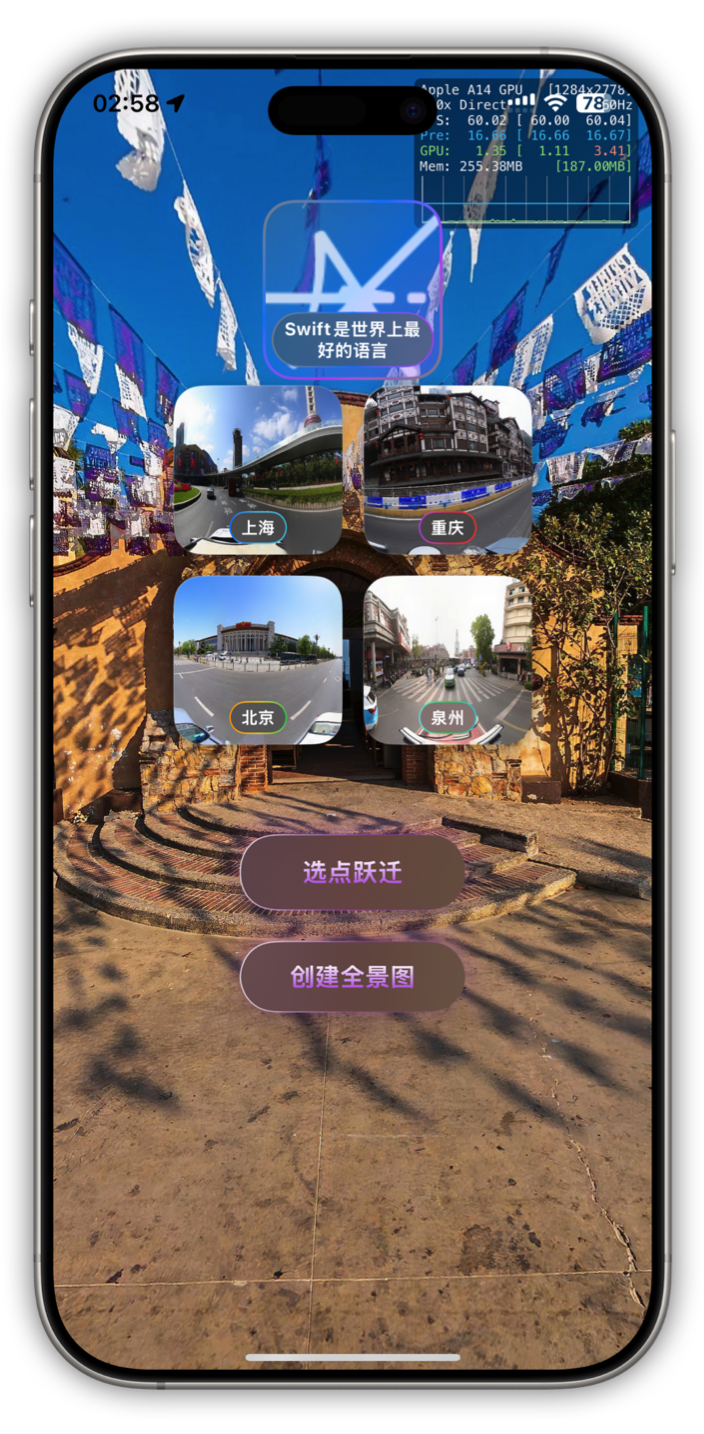 Built-in Panoramic Image Browsing
 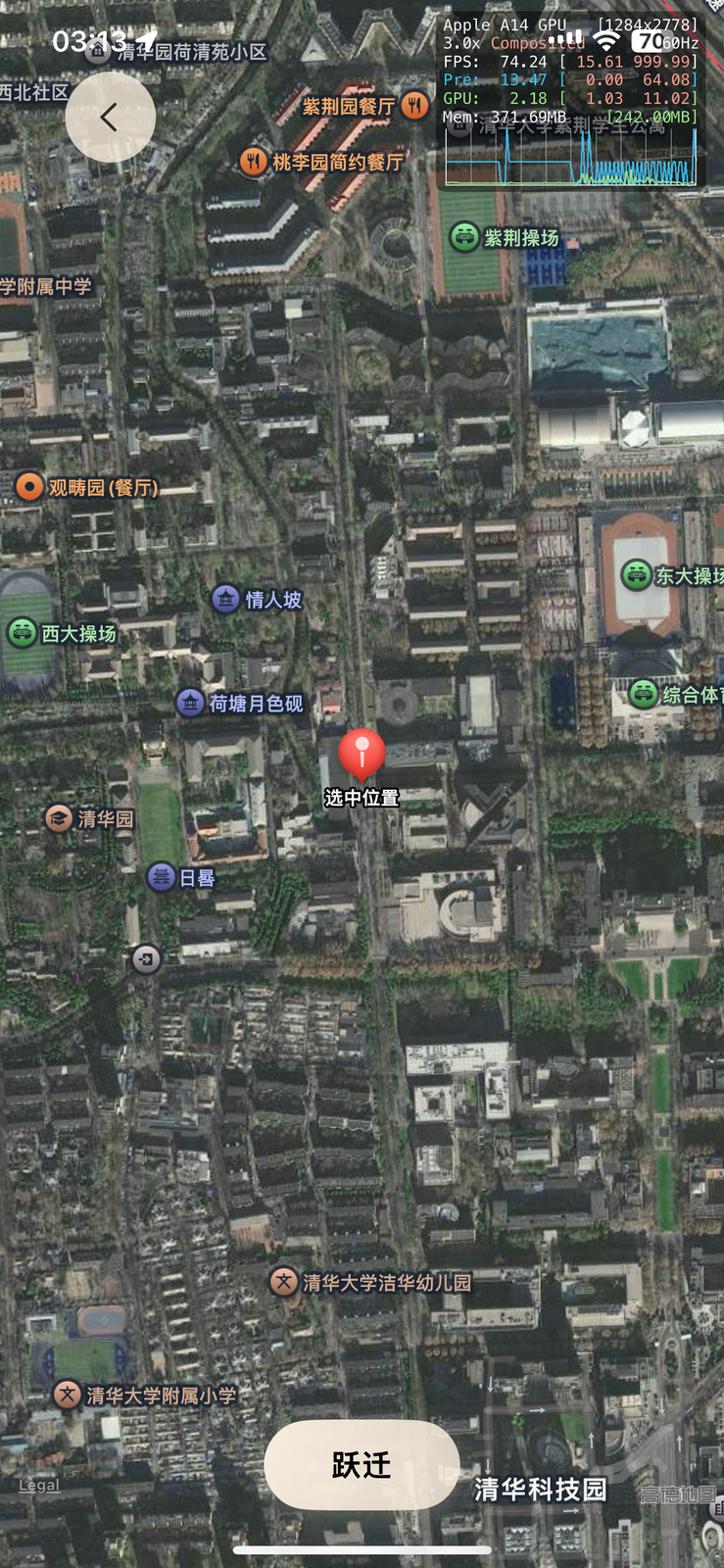 Point-to-Point Jumping
 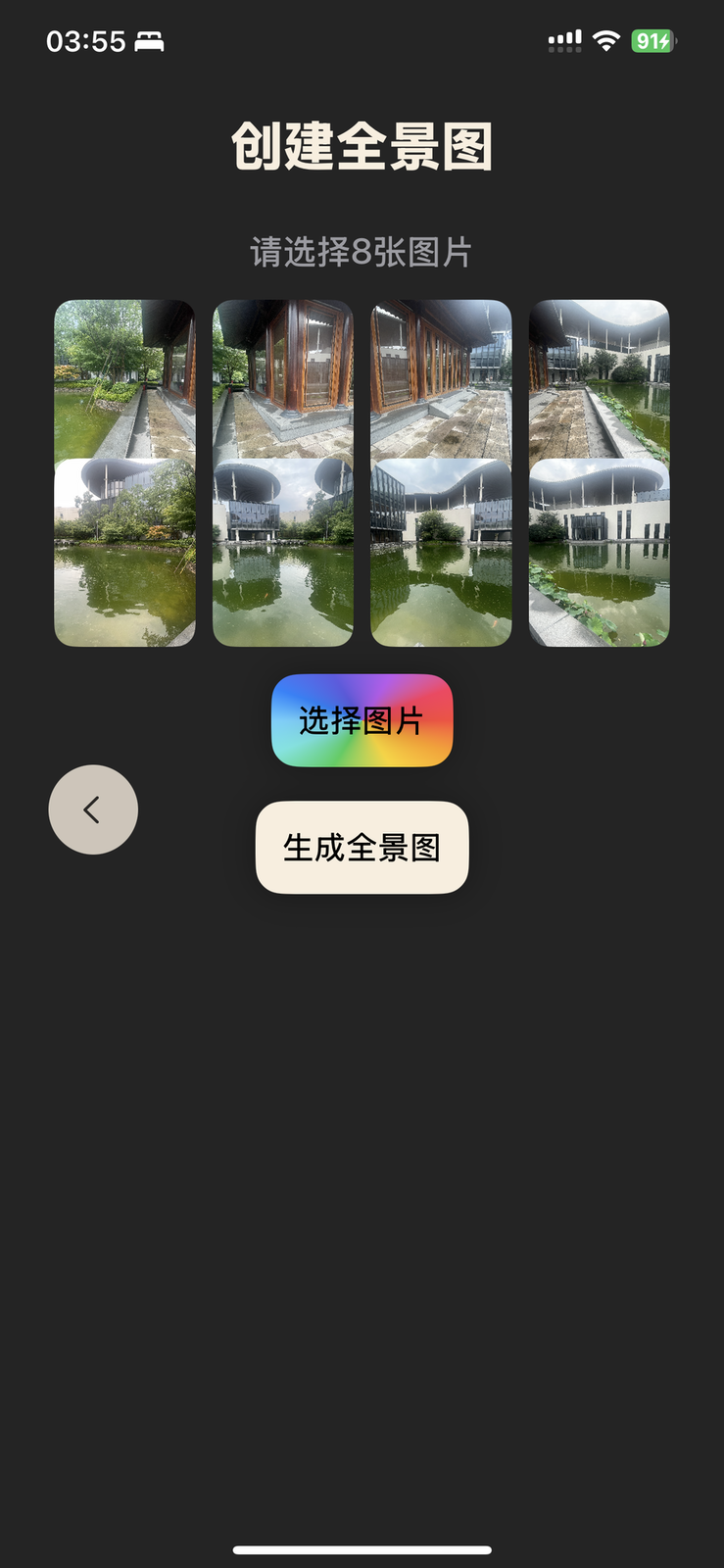 Manual Panoramic Image Generation