Why we built it
Portrait photography often gets difficult before the shutter: finding a background, choosing a camera direction and placing the subject. An assistant that only sees the current viewfinder can miss a better scene behind the photographer.
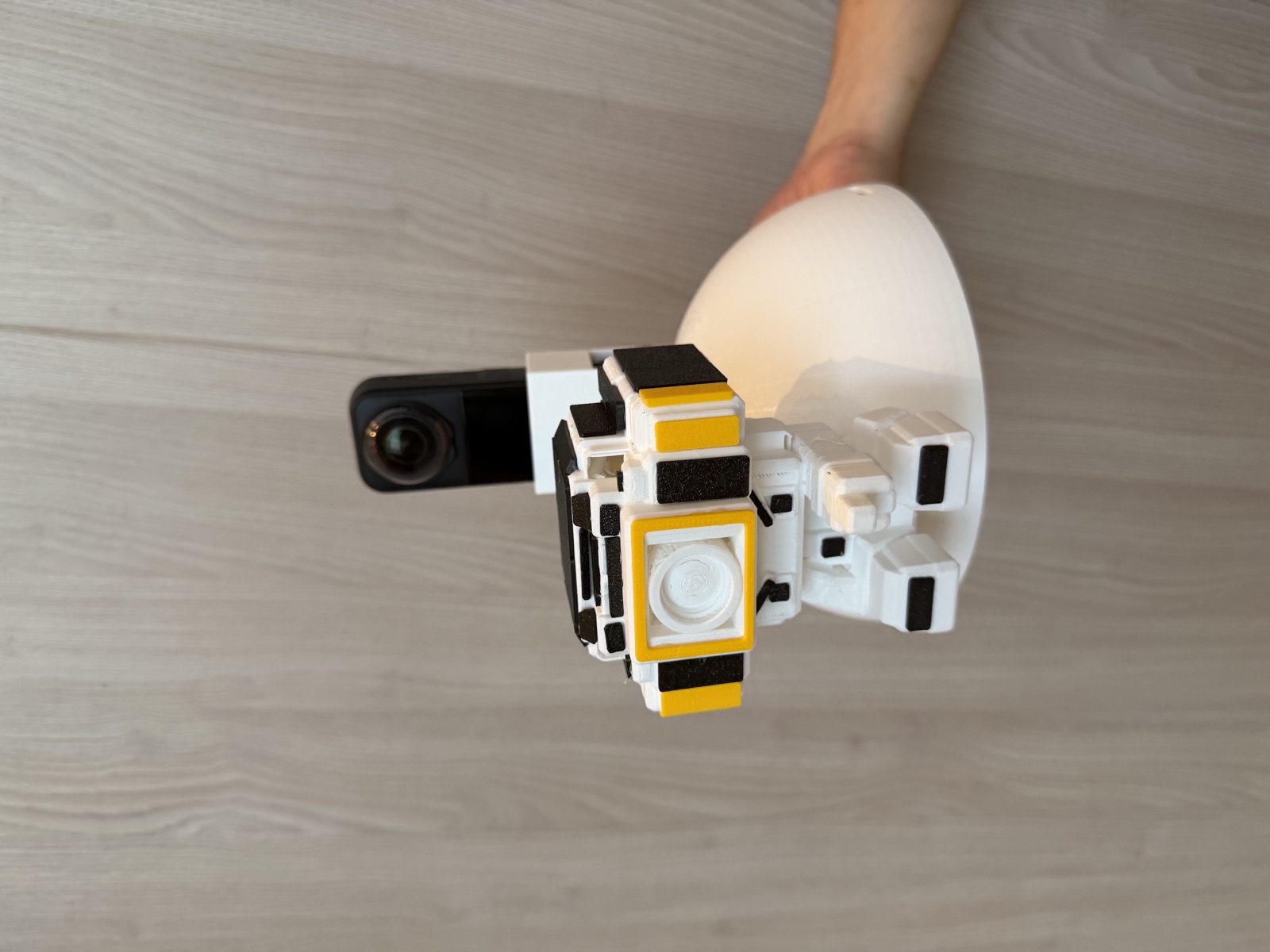
Bugyo is a prototype I built with Deming He for the AI + Imaging Product Development track at Insta360 Bold Maker 2026. A head-mounted Insta360 X5 observes the surroundings, a handheld Link 2 or phone captures the shot, and a mobile Web App turns the system’s decisions into one action at a time.
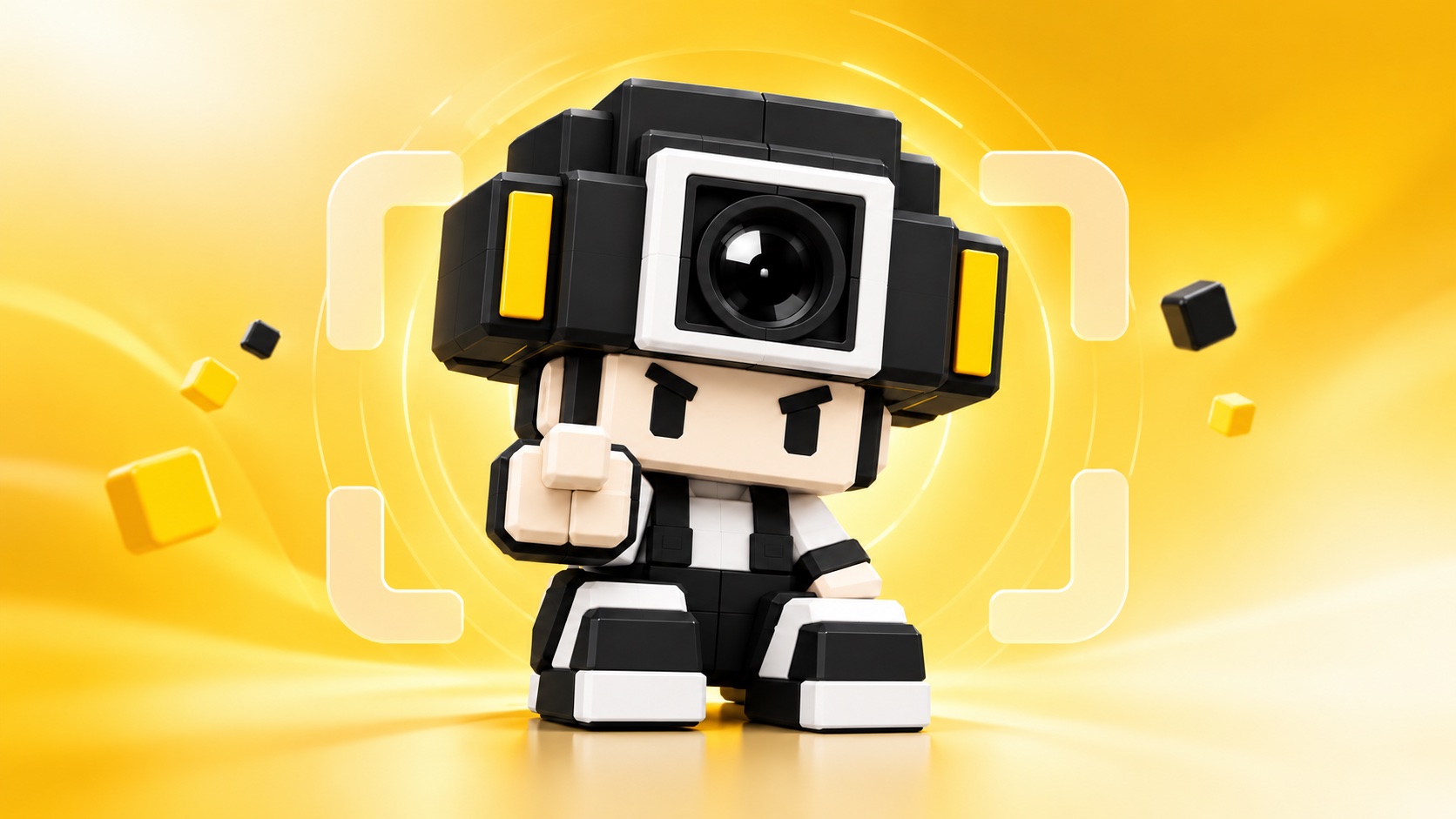
The cover features the camera mascot from the GitHub project, with viewfinder and panoramic scan elements. The photograph below shows the physical head-mounted prototype.
Demo video
From exploration to a photograph
- Explore: capture a 360° panorama and project perspective candidates. A local fast layer compares lighting, background clarity, space and distinctive compositions.
- Stop: show a reference view when a promising direction appears. A vision model compares Top-K candidates and proposes composition, subject placement and poses.
- Turn: the photographer rotates the handheld camera; SIFT / RootSIFT matching checks whether it faces the intended background.
- Place and pose: person detection and mobile guidance help position the subject, with Link 2 gimbal adjustments before pose instructions and a countdown.
- Capture and review: capture frames, check quality and display individual photographs and group results.
AI helps choose the background as the photographer walks, stopping when a promising view appears.
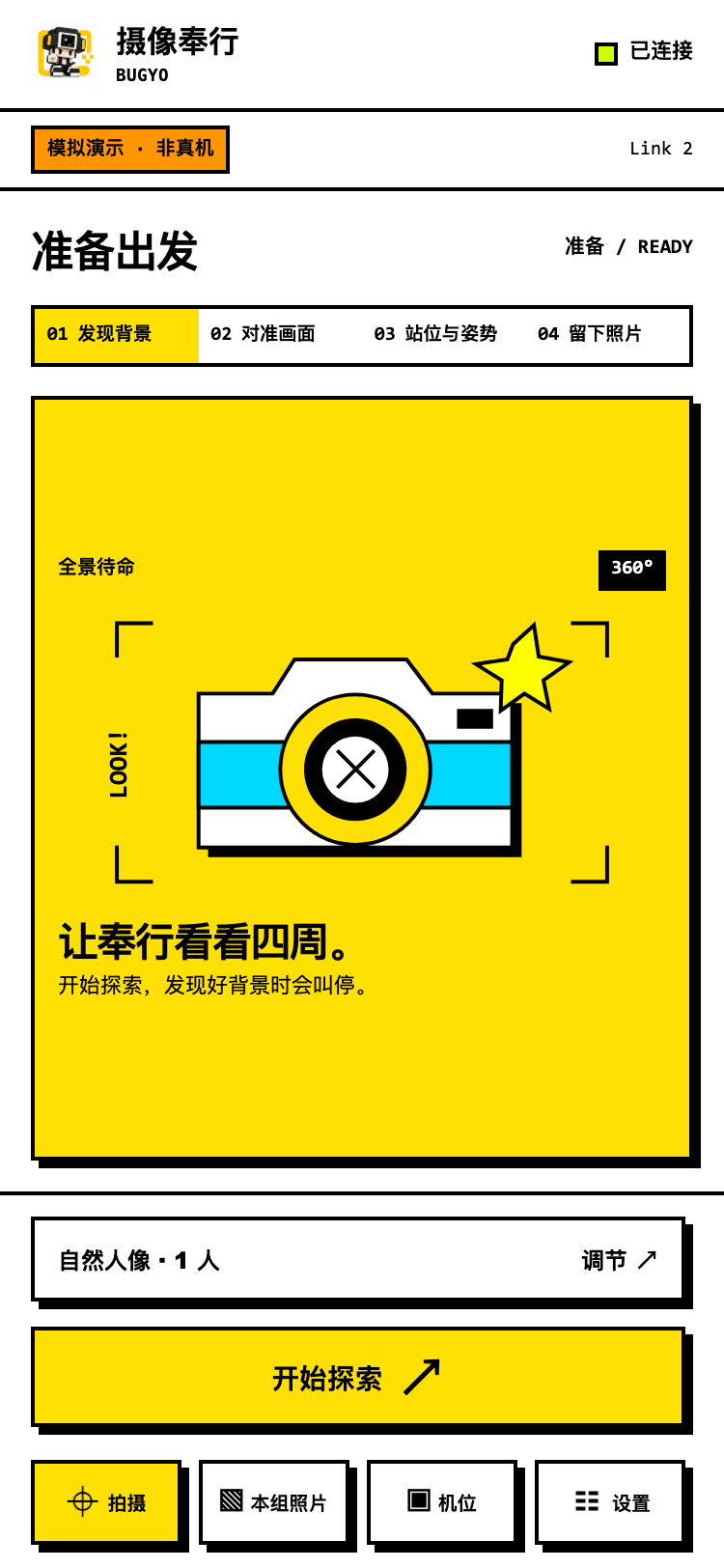 Idle: connect devices and prepare to explore
 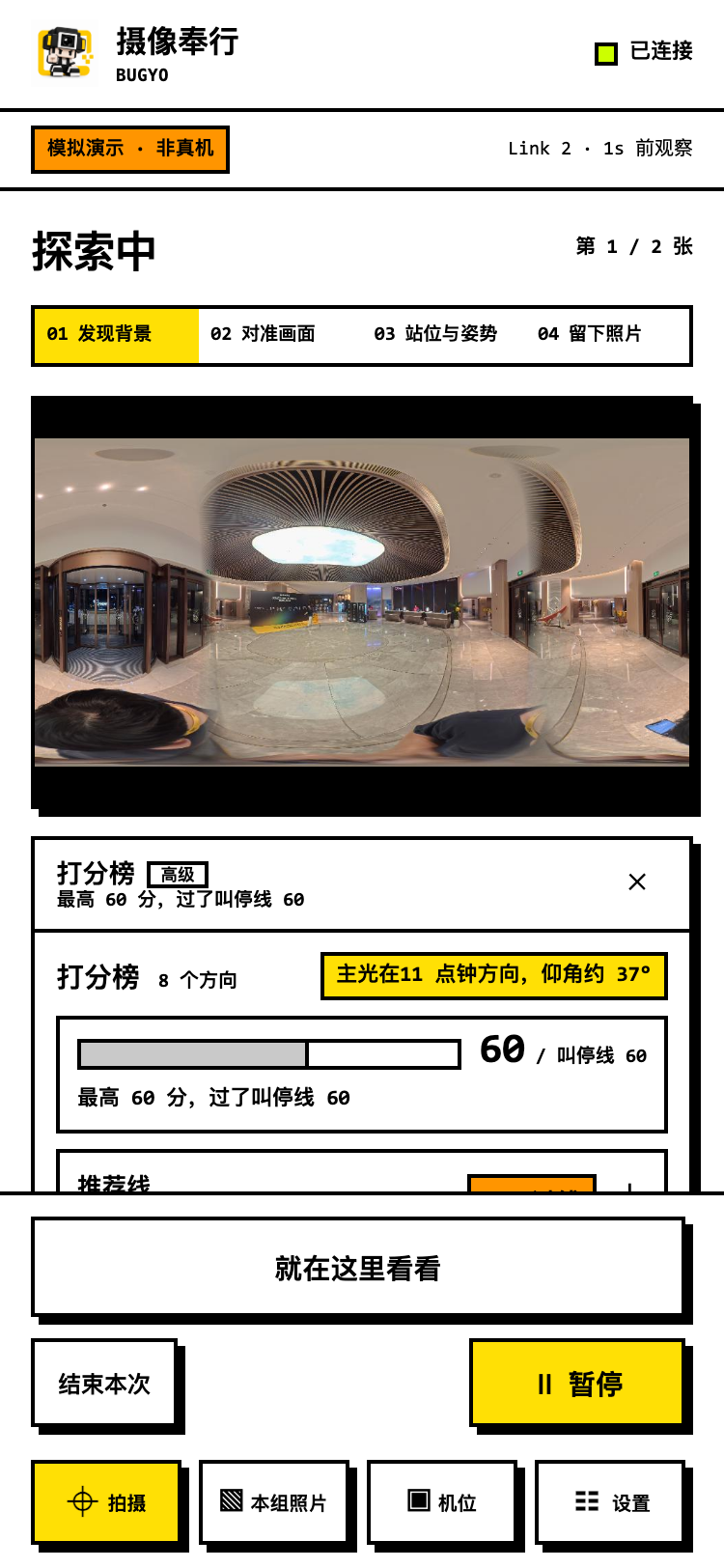 Explore: observe the surroundings and compare candidates
 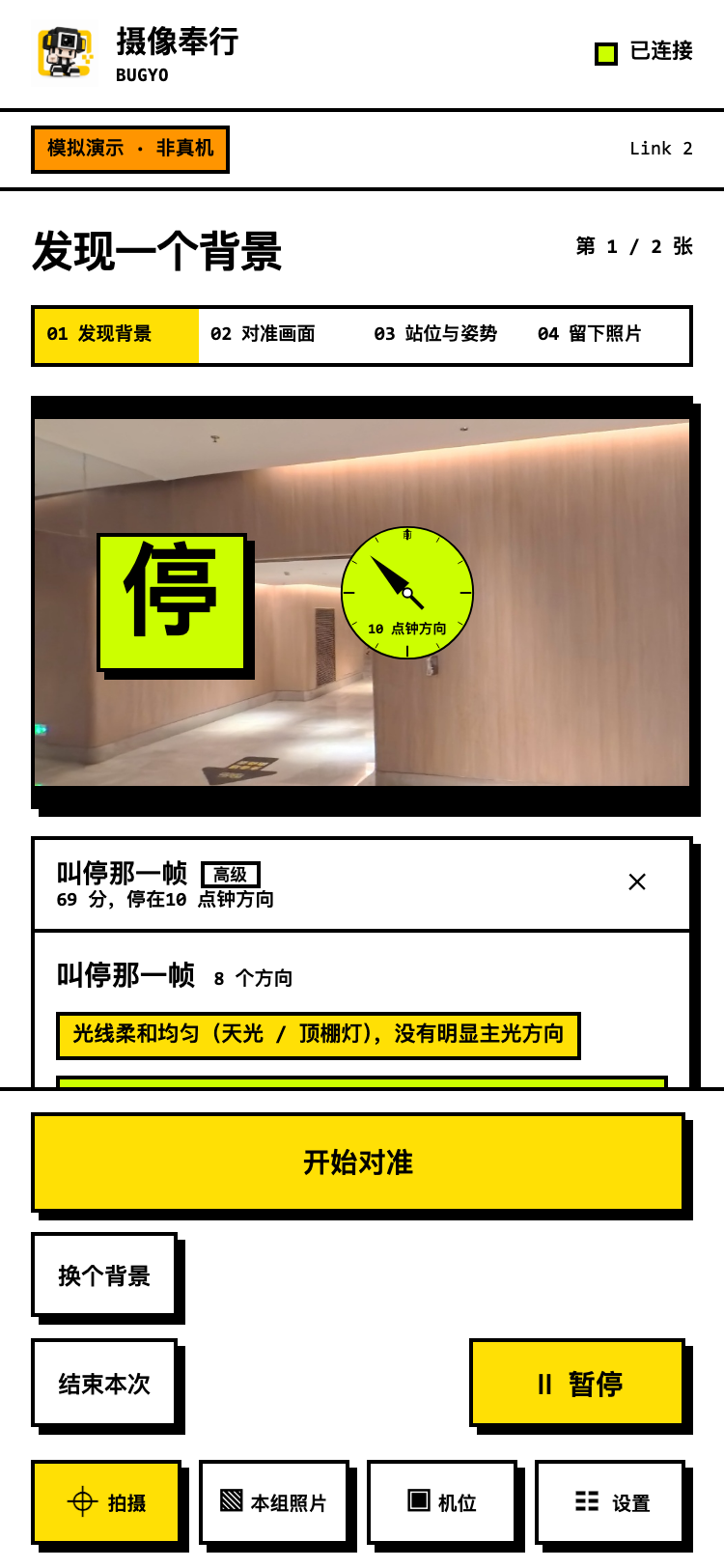 Stop: display a suggested direction and composition reference
 The phone synchronizes state, previews and action prompts through turning, placement, posing, countdown and review.
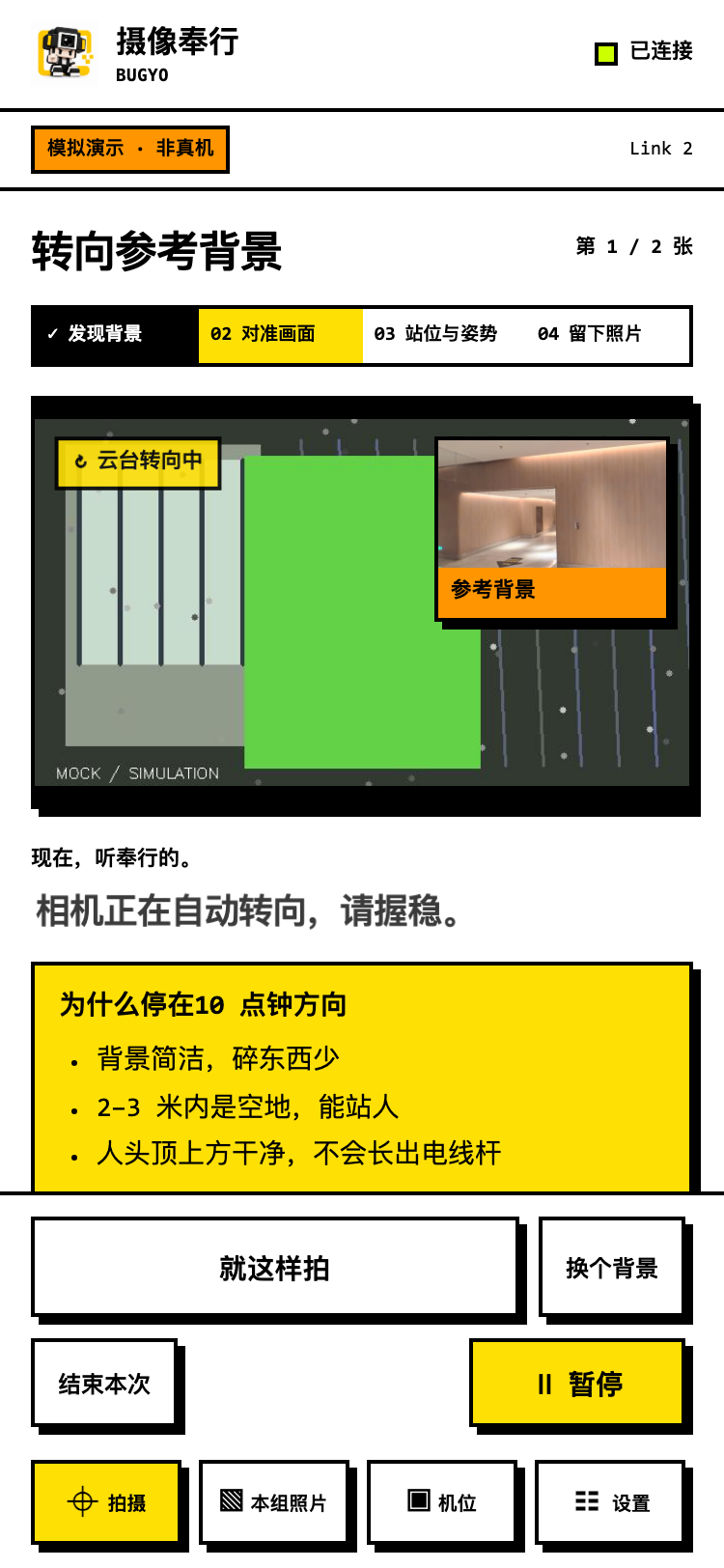 Turn: check that the camera faces the selected background
 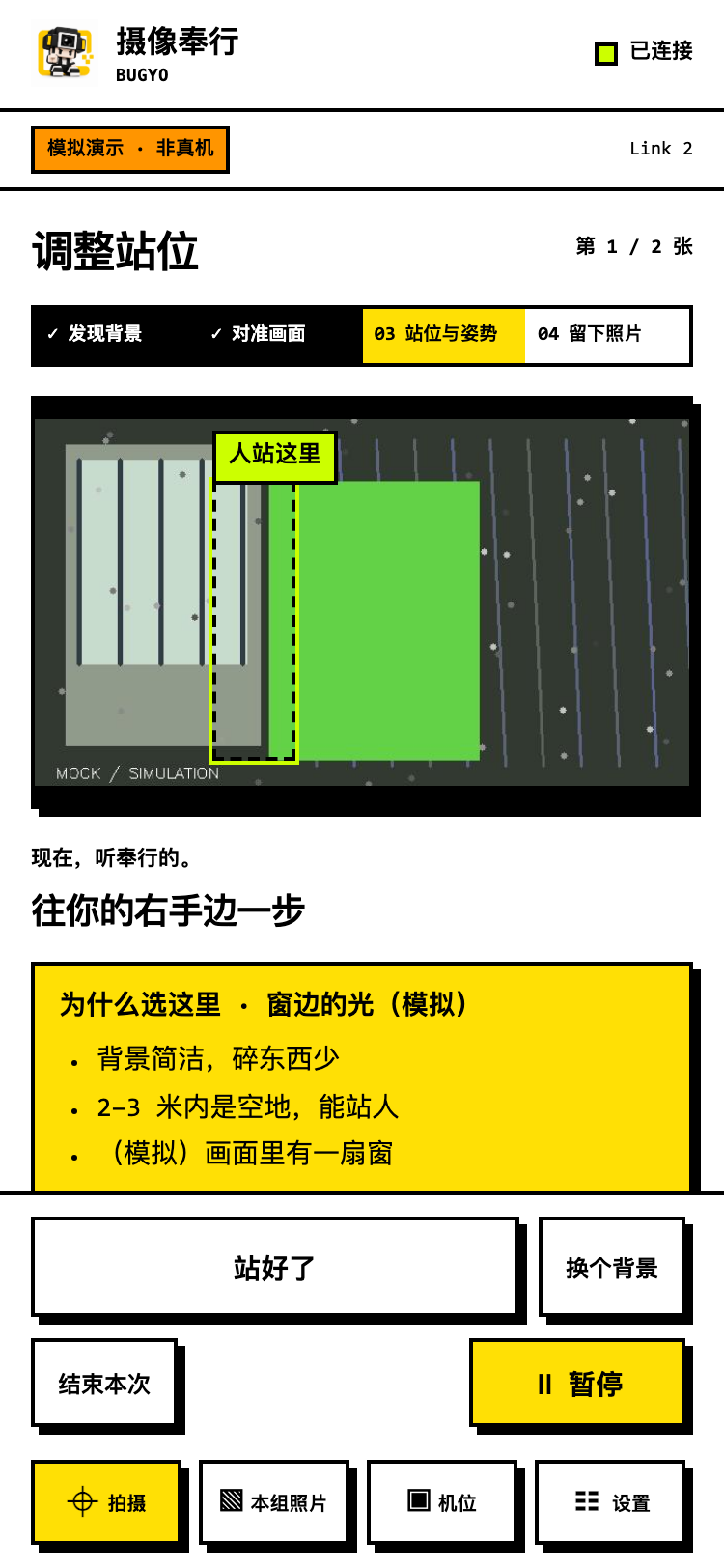 Place: guide the subject into the composition
 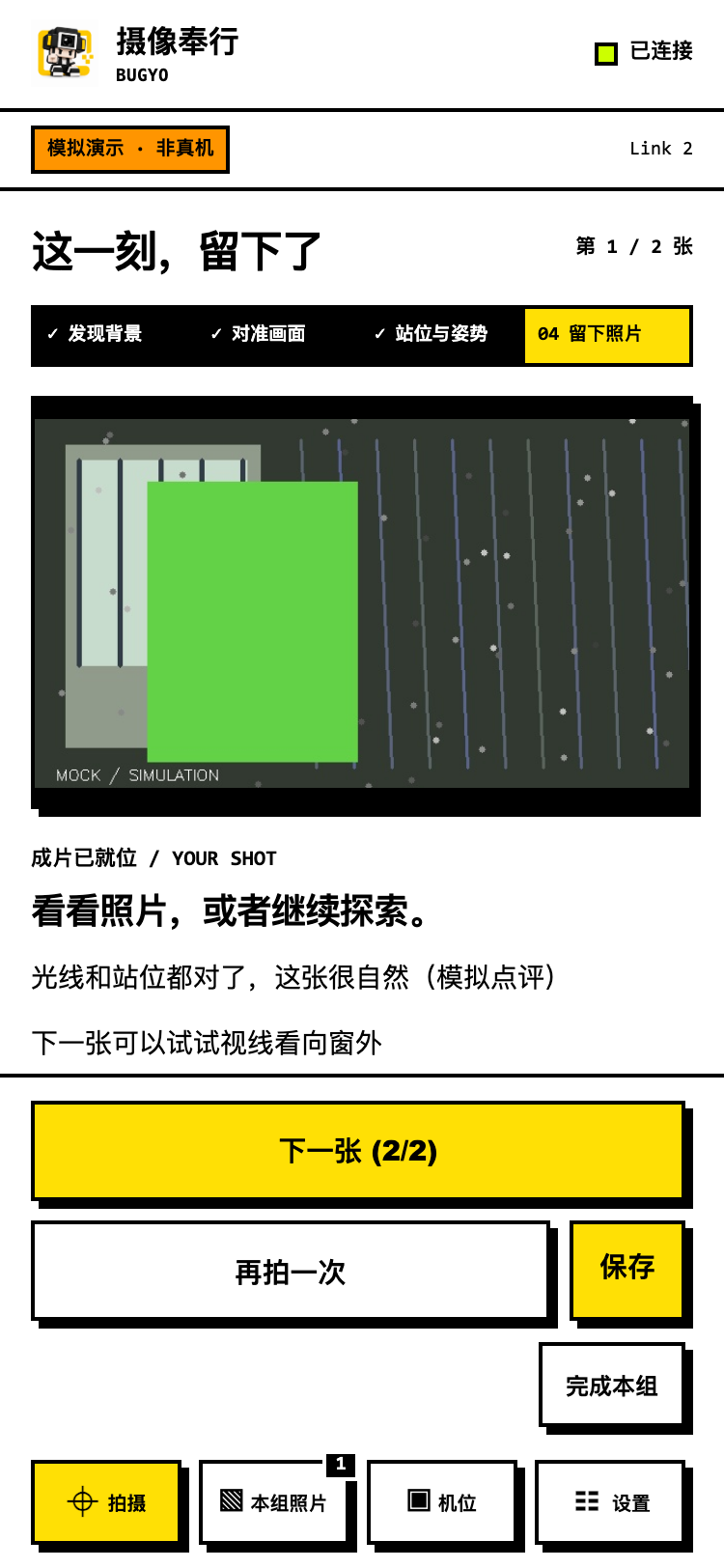 Review: display the captured result
 These screenshots show the mock demonstration interface and interaction flow; they are not evidence of hardware capture results.
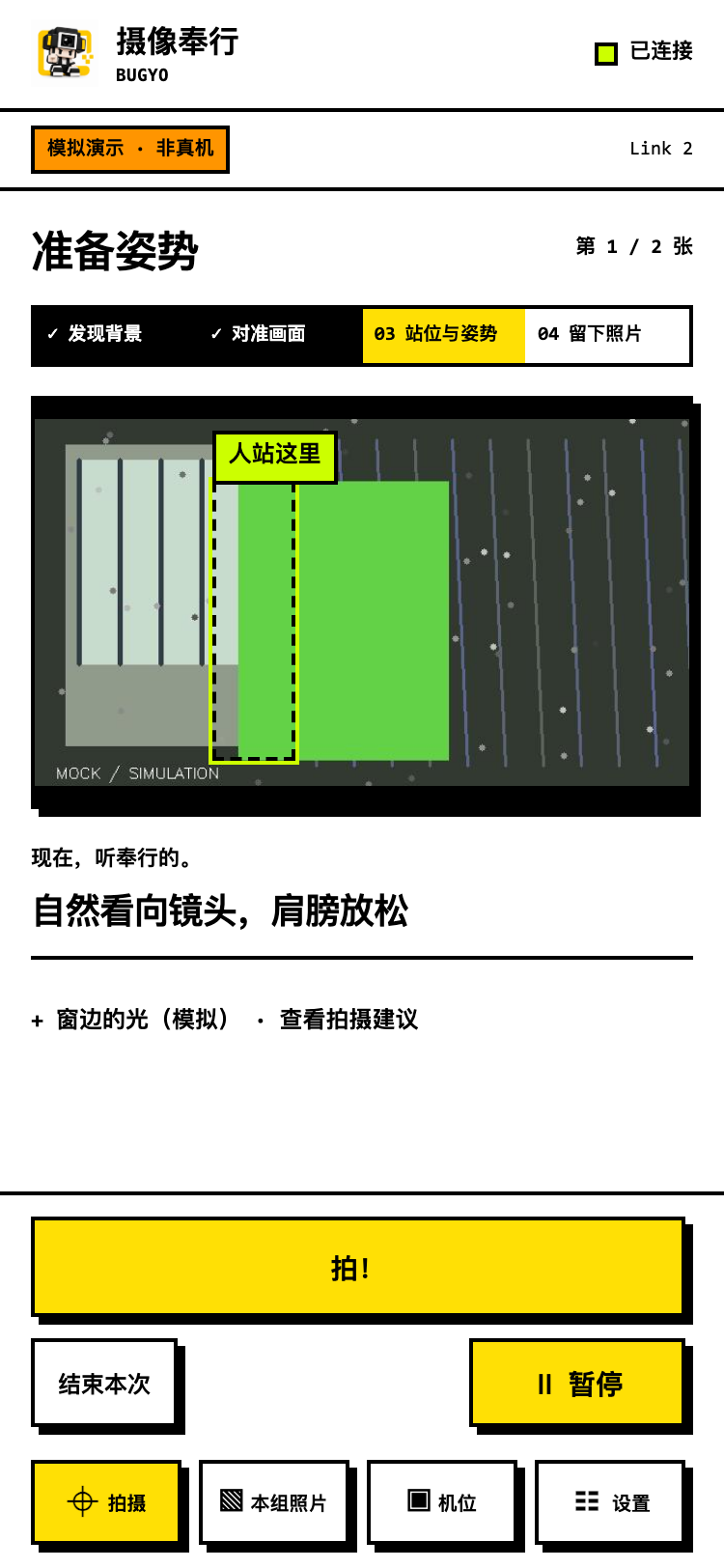 Pose: turn the shooting plan into the current action
 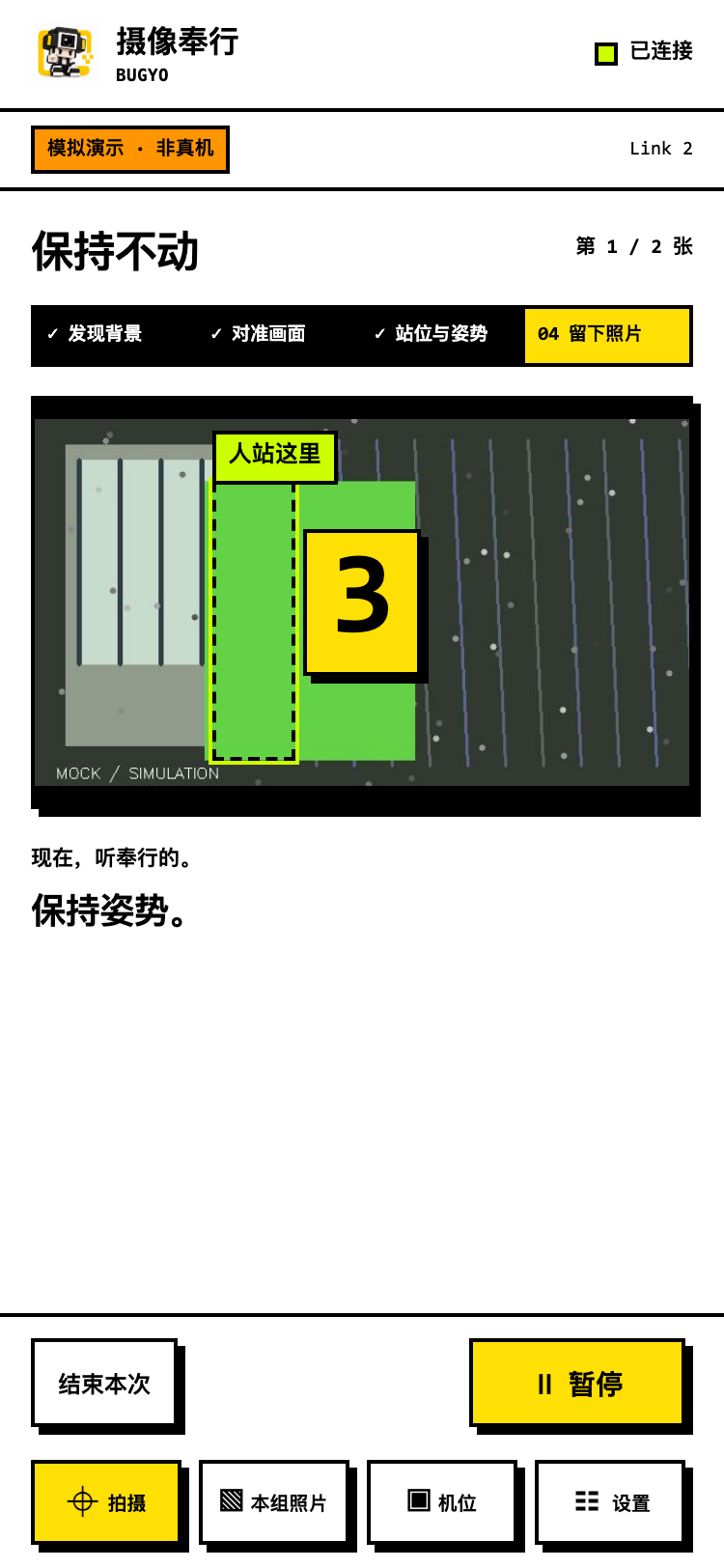 Countdown: prepare for capture
 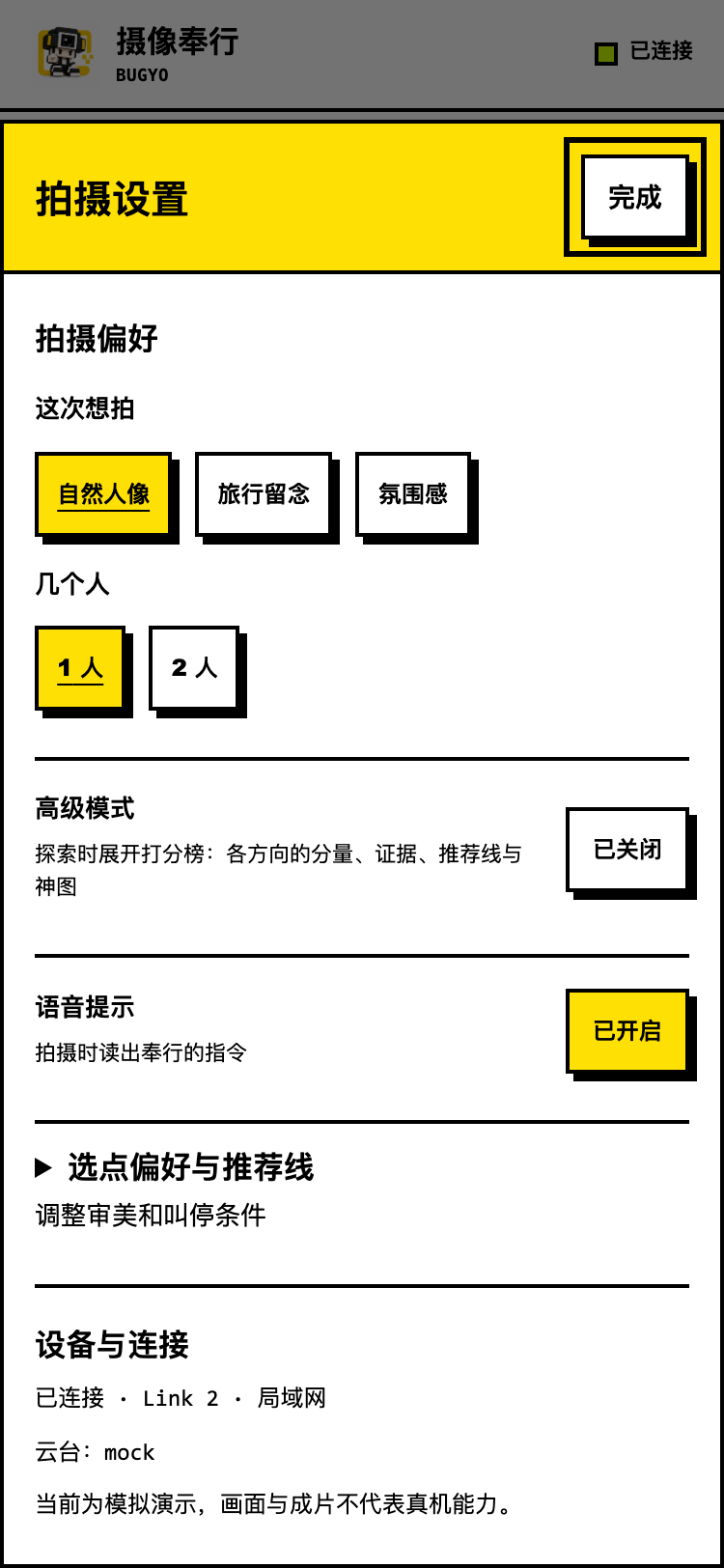 Settings: adjust personal shooting preferences
 Panoramic sensing and candidate views
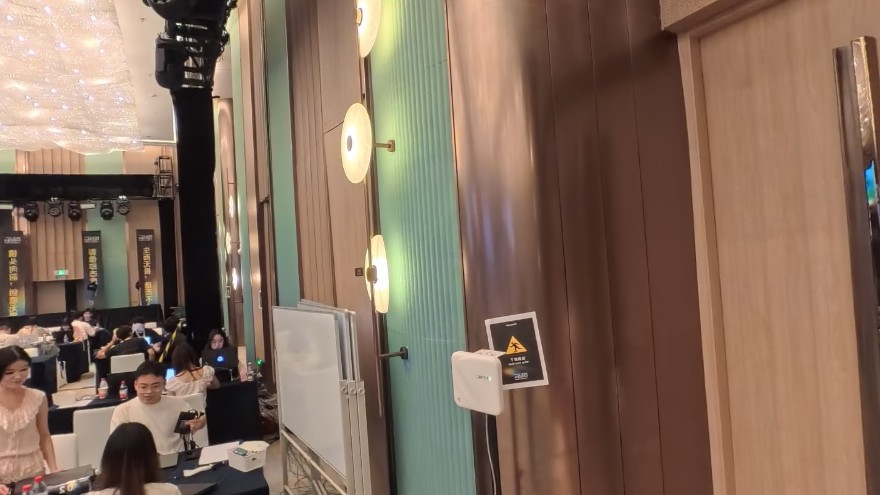
X5 captures the surroundings in one pass, then converts the panorama into conventional perspective views. The event panorama and eight-direction evaluation sample below show how camera orientation changes the available light, background and standing space at one location.
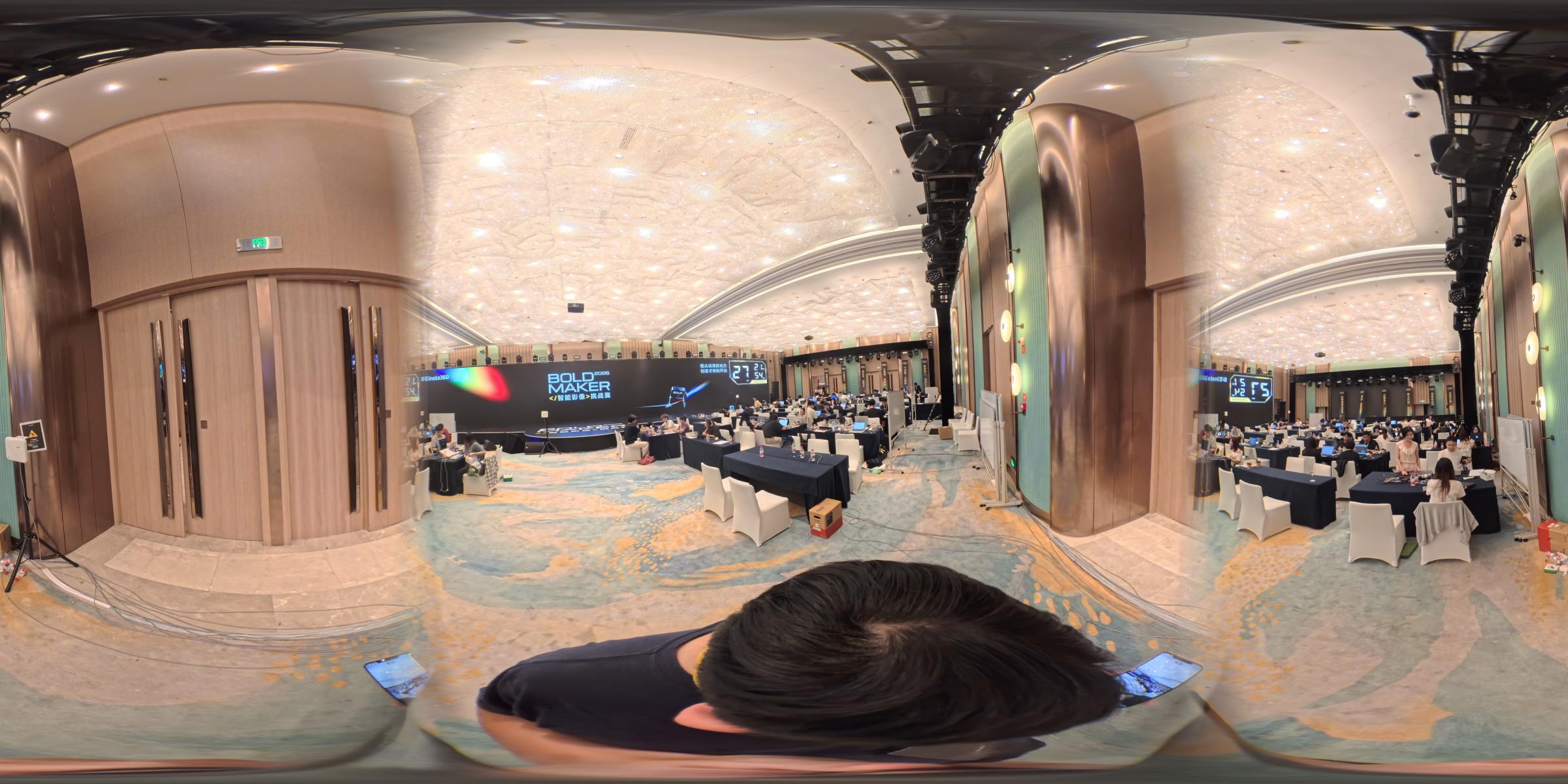
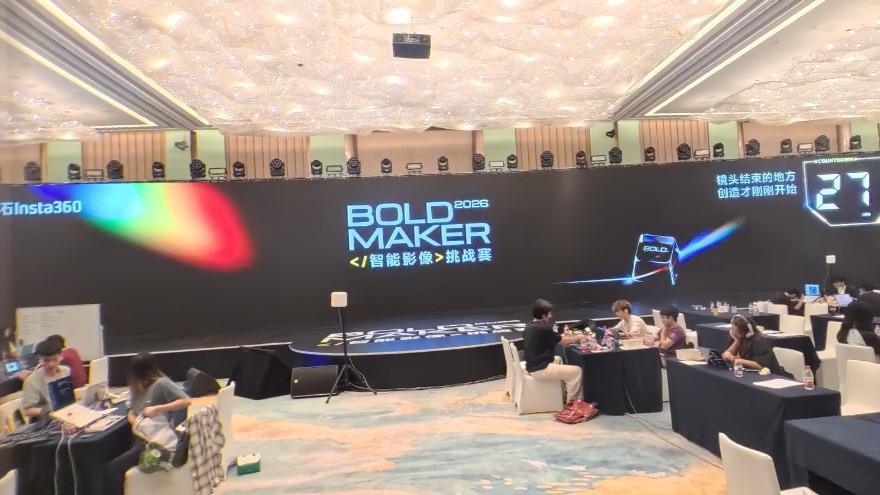
Scores come from a historical evaluation sample in the pitch materials. They explain candidate ranking, not human aesthetic ratings or probabilities of photograph quality. Click an image to enlarge it and browse the sample group.
Comparing real backgrounds
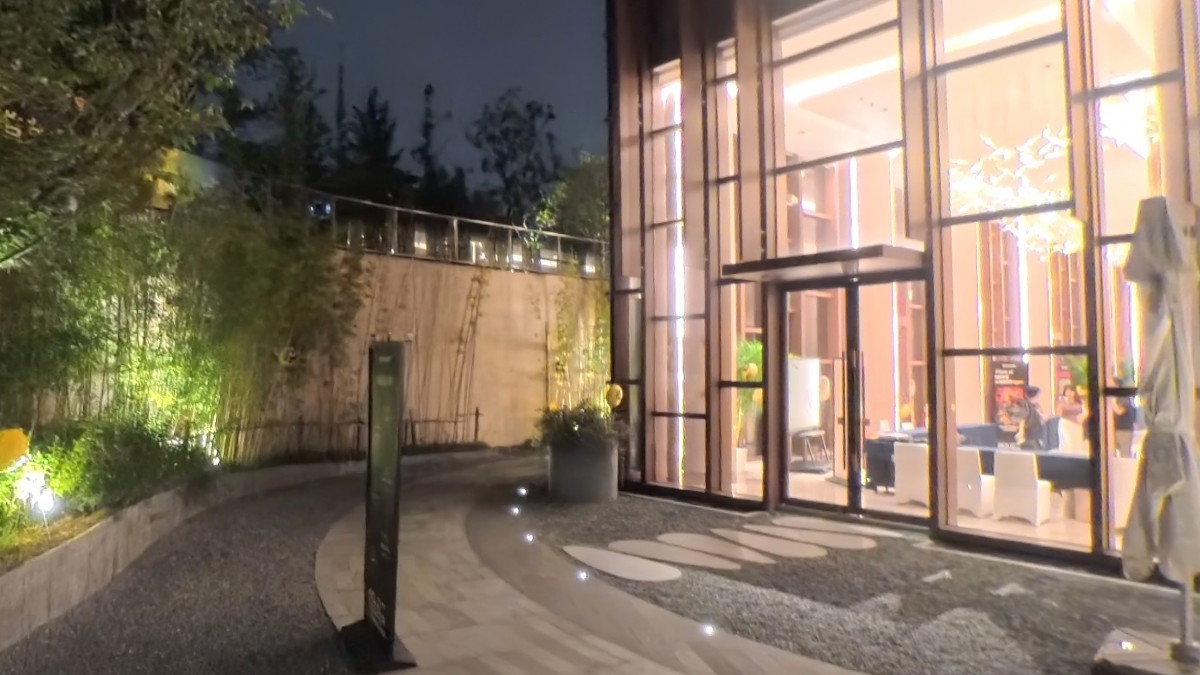
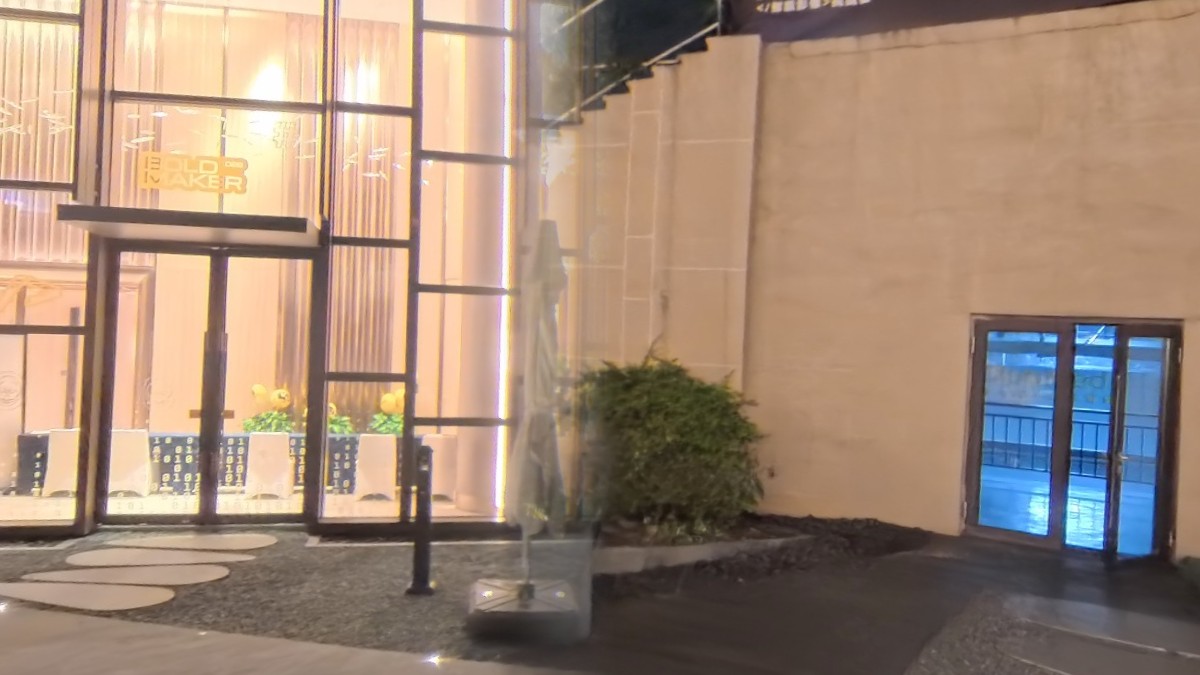
A separate outdoor sample illustrates the trade-offs in choosing a background: available standing space, visual clutter and possible distractions near the subject.
How it works
| Module | Implementation and purpose |
|---|---|
| Panoramic sensing | OpenCV reads the X5 UVC panorama and projects 8 / 12 perspective candidates |
| Candidate selection | A local fast layer decides when to stop; Qwen3-VL compares candidates and generates the shooting plan |
| Capture guidance | Link SDK gimbal bridge, SIFT / RootSIFT background matching and HOG / YOLO person detection |
| Orchestration | A Python + FastAPI Hub coordinates sensing, direction and capture through a state machine and WebSocket |
| Mobile interface | React + TypeScript + Vite PWA synchronizes previews, voice and visual prompts |
| Demonstration and validation | Hardware-free mock mode runs the complete flow; device self-checks separately validate real hardware |
Two cameras with distinct roles
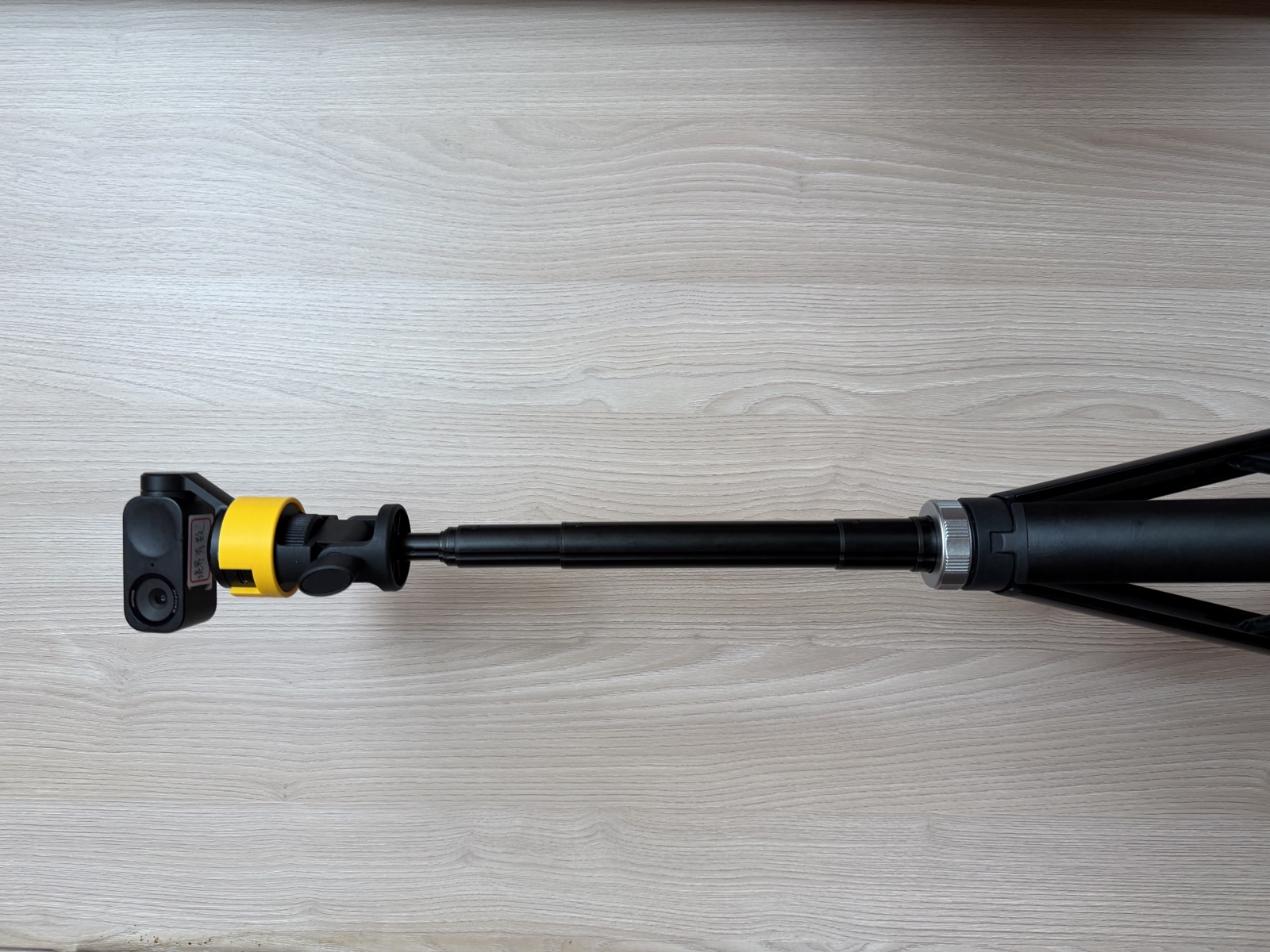
X5 senses the environment; Link 2 frames and captures the shot. The phone serves as a remote and display, with a fallback capture path. A host computer coordinates devices, runs local vision processing and calls the cloud vision model.
Competition poster
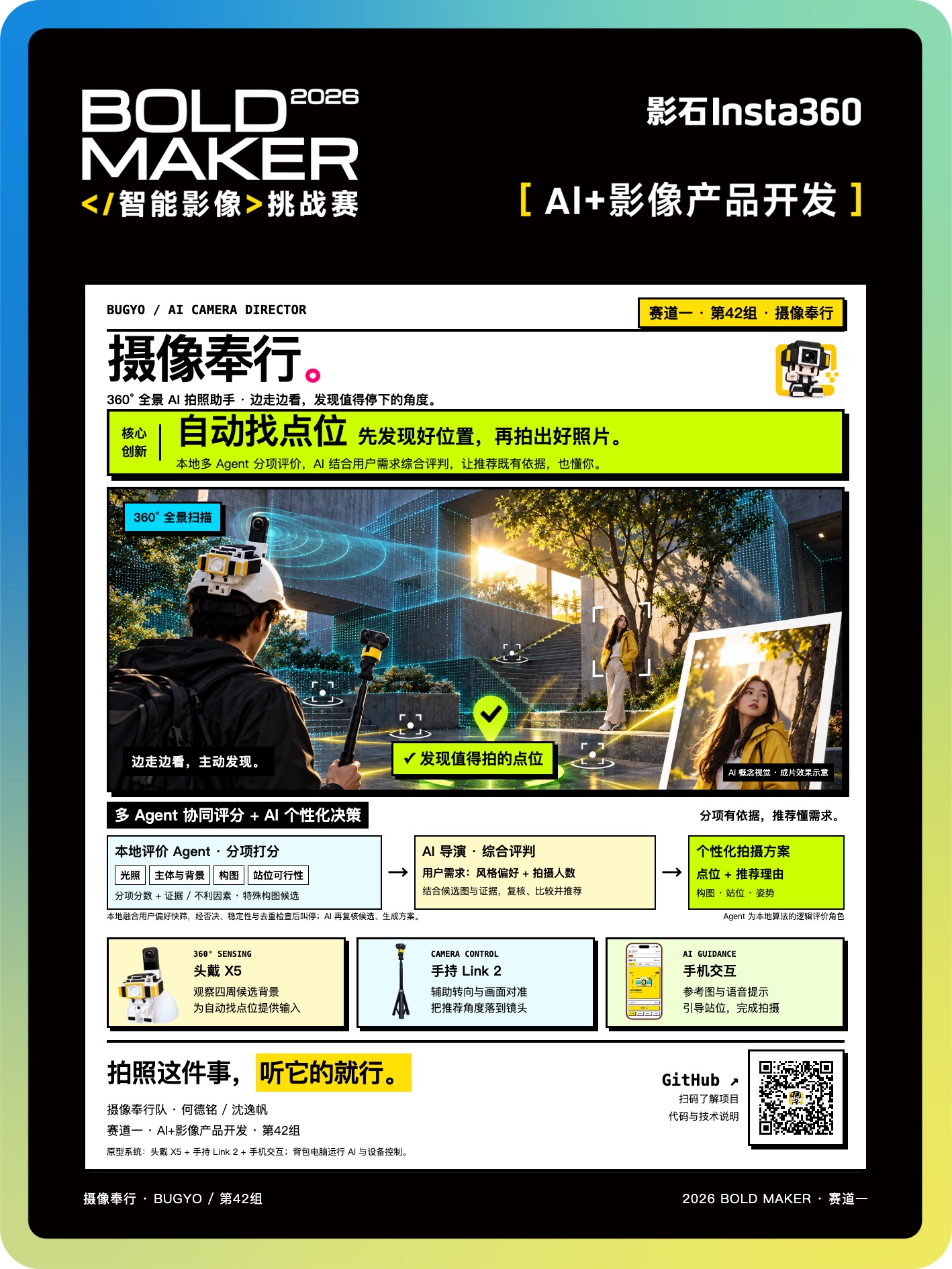
The Bold Maker 2026 Track 1 poster brings together panoramic sensing, candidate scoring, AI direction and device roles. Its main visual is a concept illustration; the hardware photographs show the actual prototype.
My contribution
I built the backend, panoramic sensing and scoring algorithms, hardware integration, system orchestration, BOM and main pitch materials, connecting camera inputs, AI decisions, background matching and the shooting state machine. Deming He handled mobile interaction and branding, product copy, competitor research and technical communication.
Prototype limits
The current prototype needs X5, Link 2 or a phone, and a host computer. X5’s UVC mode does not expose IMU data, so orientation checks rely on image features. Cloud model latency is handled by letting the local fast layer trigger stops while the model subsequently generates the plan. Aesthetic scores rank candidates; they are not probabilities of photograph quality.
Future directions include integration into the Insta360 App, an X5-only workflow or an edge board to reduce the equipment needed in use.